Appearance editor
In Neverwinter Nights most of how a character looks is fixed at creation. Here it is not: an editor lets you change your own appearance, and the appearance of what you are wearing, at any level.
What you can change about yourself
Skin colour, hair colour, tattoo colour and which body parts carry a tattoo, your head, your portrait, your sound set, your wings, your phenotype and your description.
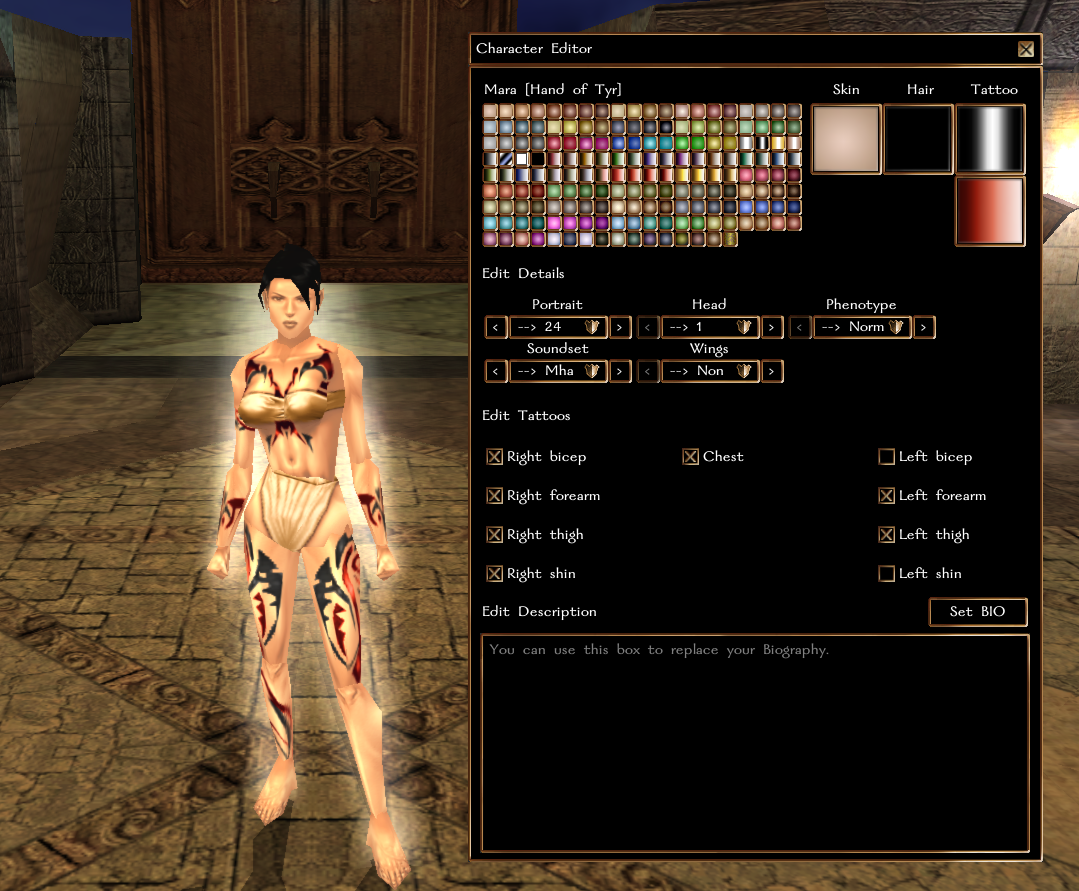
What you can change about your gear
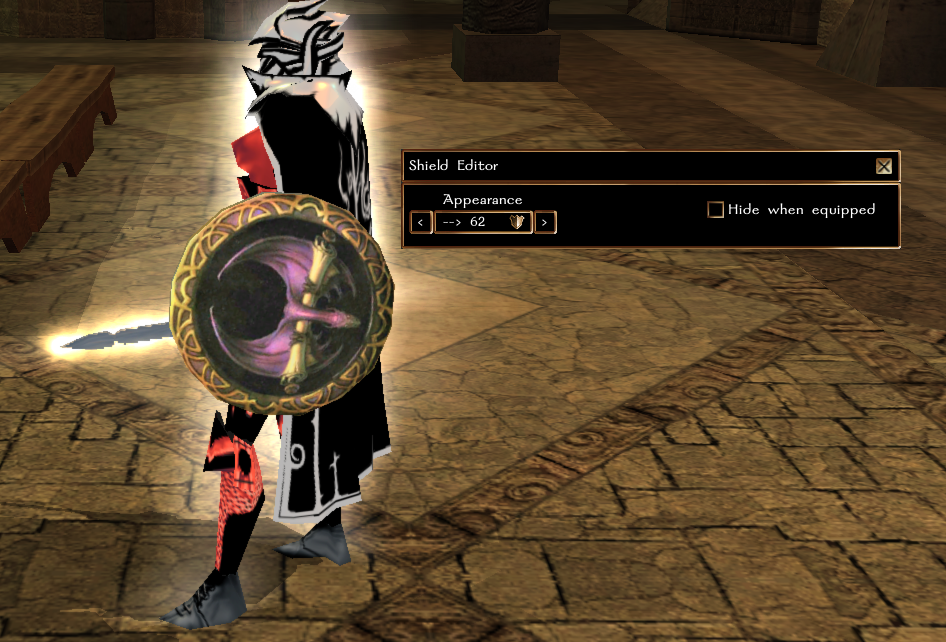
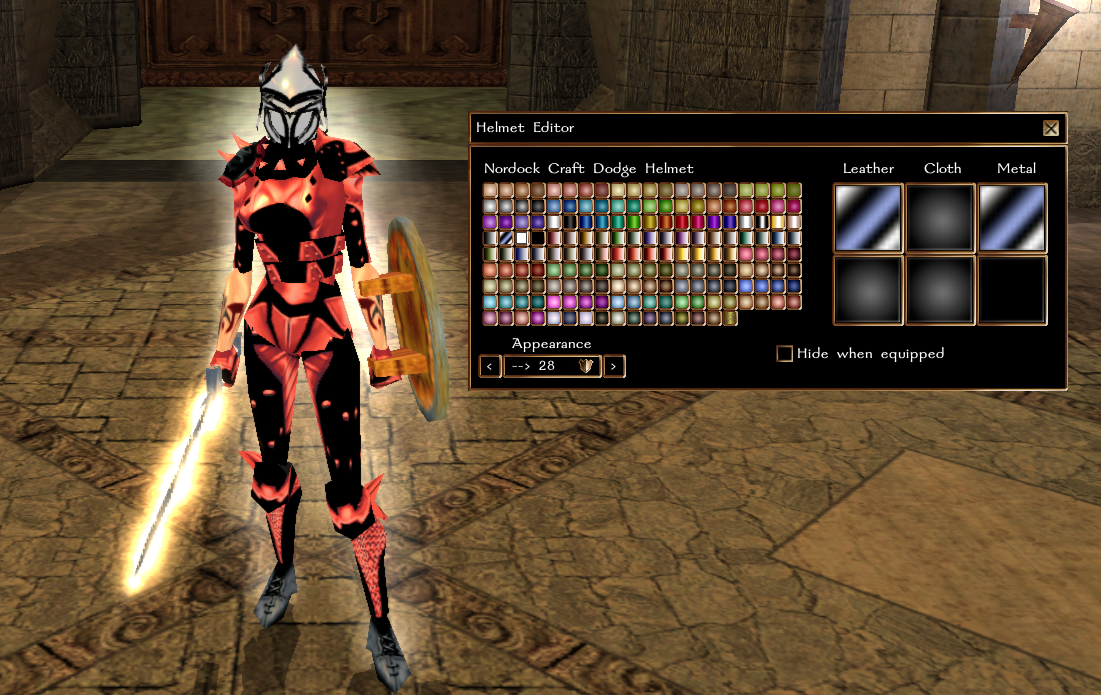
Armour, helmet, cloak, weapon and shield.
Each editor works on the item you have equipped in that slot - there is nothing to choose from a bag. Two consequences worth knowing before you go looking for the option:
- The shield editor only takes a shield. To change a weapon, hold it in your right hand.
- Some weapon appearances cannot be changed at all. The editor says so rather than failing quietly: the look is part of that item.
If your character's appearance does not show equipped armour in the first place, the armour editor refuses - there is nothing on the model for it to change.
Where and when it opens
In a no-PvP area, or in a main faction city. Anywhere else it will not open.
It also refuses while you are:
- in combat
- polymorphed or mounted
- editing a socketable item
- already in the editor
- wearing a temporary skin a dungeon master gave you
- under an effect that changes what you look like or takes you out of your own control - invisibility, ethereal, darkness, petrification, paralysis, stun, daze, sleep, fear, charm, domination, entanglement, blindness, and the rest of that family
Those are not arbitrary: every one of them either hides the model the editor is meant to show you, or means you are not in a position to be standing still choosing a colour.
The whole system can also be switched off for the module, and then it says that too.