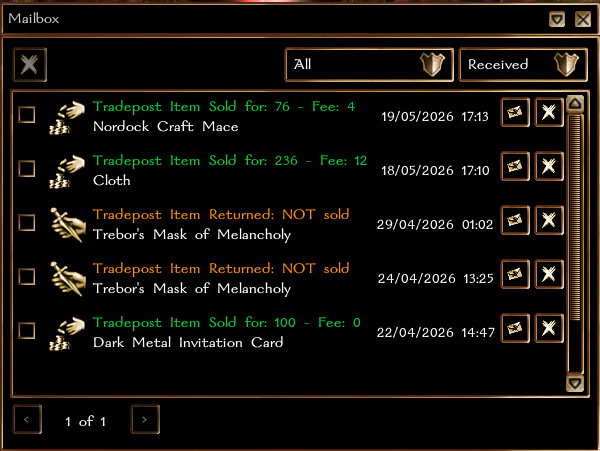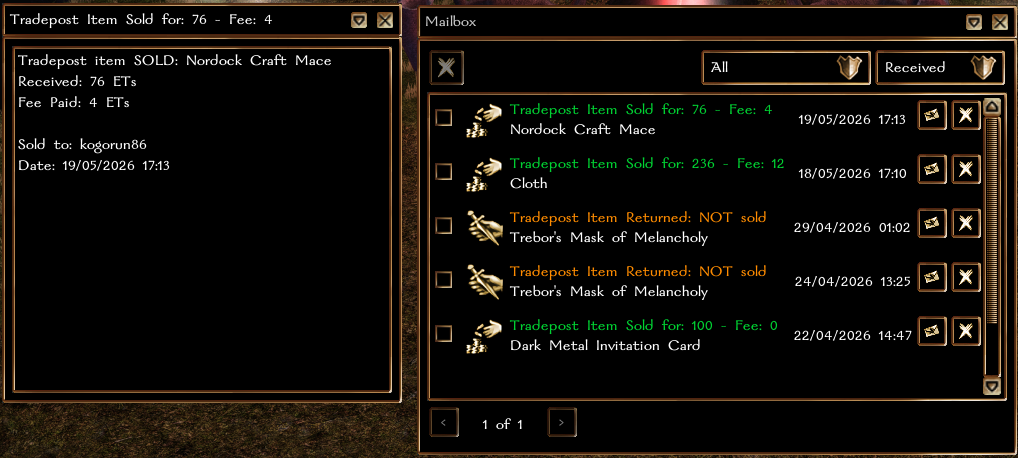
The mailbox holds the messages the server sends you. Players cannot write to each other through it: every message comes from one of the senders below.
| What sends it | Why |
|---|---|
| Trade post | your listing sold - the item, what you received, the fee and the buyer |
| Trade post | your listing expired and the item went back to your vault |
| The server | announcements |
The mailbox belongs to the account. Every character on the account sees the same messages.
Reading it
- The mailbox button is in the toolbar of the players list.
- While a message is unread, the player-versus-player panel button flashes. It also flashes at login if a message arrived while you were offline.
- The mailbox button in the players list flashes for as long as you have an unread message.
- Opening the mailbox stops the panel button's flash.
- The window opens on unread messages, 10 to a page.
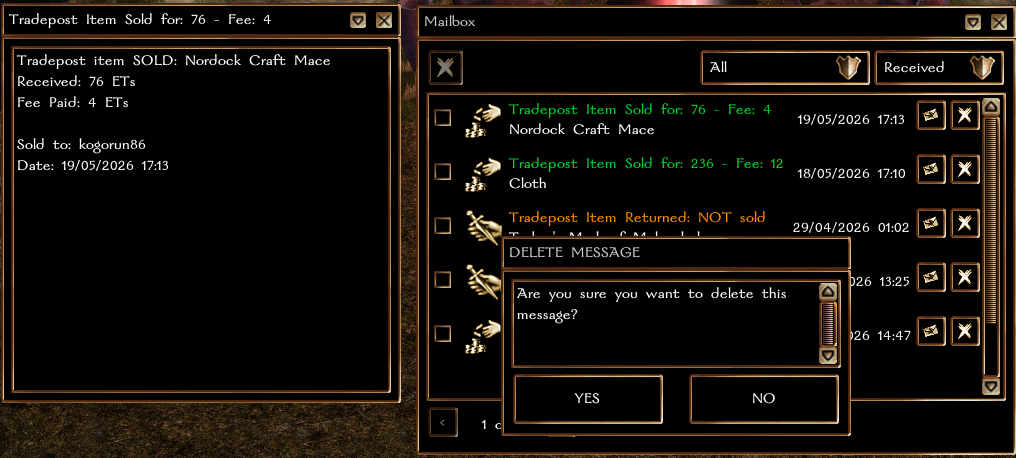
- A message stays until you delete it.
Deleting several at once
Tick the messages you want gone and press Bulk Delete. Select PAGE, beside it, ticks every message on the page you are looking at, and unticking it unticks them, so Bulk Delete clears one page at a time. It never reaches messages on other pages.